Sectors
Sectors We Visualise
Architectural visualisation covers every part of the built environment, from single dwellings to large mixed-use masterplans.
- 01
Residential CGI and visualisation
- 02
Build-to-Rent CGI and visualisation
- 03
Student Accommodation CGI and visualisation
- 04
Later Living CGI and visualisation
- 05
Offices CGI and visualisation
- 06
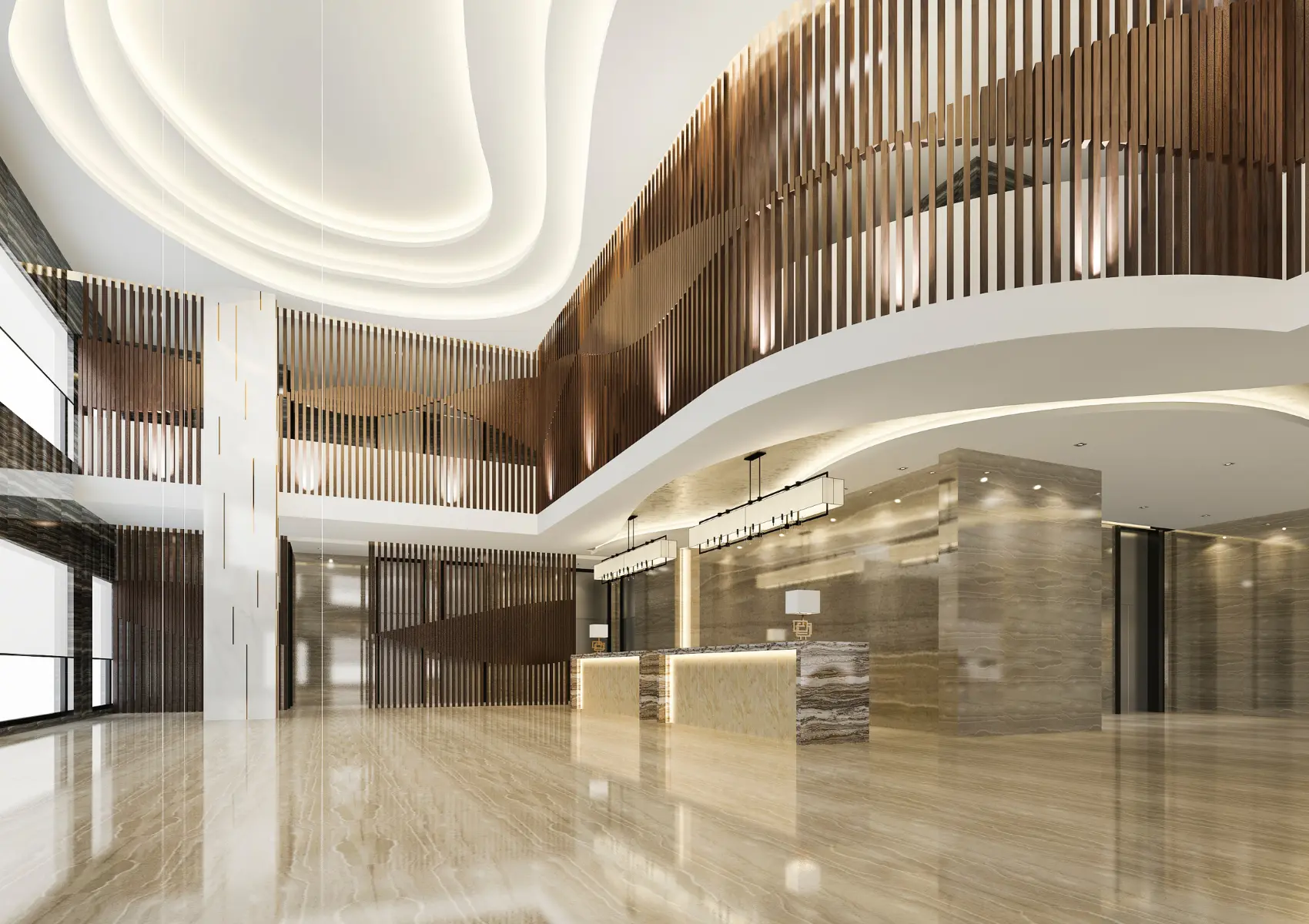
Hospitality CGI and visualisation
- 07
Industrial & Logistics CGI and visualisation
- 08
Mixed-Use CGI and visualisation
- 09
Education CGI and visualisation
- 10
Healthcare CGI and visualisation
Project guidance
How does building use change the image brief?
Building use changes the spaces and relationships an audience needs to understand. Residential imagery connects private rooms with arrival and outside space. Workplace imagery distinguishes the building shell from a proposed fit-out. Hospitality imagery connects reception, guest accommodation and shared facilities. Industrial imagery prioritises scale, access and operational setting.
A useful sector brief identifies the actual building type, project stage and presentation purpose. It also records which layouts, finish packages and future phases the images represent. This prevents a generic room or masterplan view from standing in for several different designs.
Project guidance
Which outputs work across more than one sector?
Exterior and interior CGI serve several building types because they explain form and space. Aerial views explain larger sites. Animation connects arrival and movement, while panoramic tours provide linked viewing positions. The output choice depends on the visual question rather than a fixed package associated with one sector.
Planning and verified-view requirements follow the site and assessment purpose. A healthcare or education rendering communicates supplied design information; it does not establish clinical suitability, classroom capacity or statutory compliance. Technical conclusions remain with the relevant design and assessment specialists.
Project guidance
What keeps a sector image set consistent?
A common model, materials schedule and landscape reference keep the set consistent. Each image needs a clear relationship to the approved design revision. Record indicative fit-out, presentation furniture and proposed planting separately from fixed specification items.
Review building layout before detailed styling. Then check materials, fixtures and the chosen lighting conditions. For multi-building schemes, identify the phase and use represented by each view. Clear captions help consultation, investment and marketing audiences interpret the same architecture without attaching unsupported performance claims.
Further reading
Which guides explain these decisions?
- What Is Architectural Visualisation? →
Architectural visualisation is the production of photoreal images, films and interactive scenes that show a building before it is built.
- What Visuals Does a Planning Application Need? →
Planning application visuals explain a proposal within its site context. The submission brief determines the drawings, illustrative images and verified evidence required for the scheme.